Tutorial
1
Understand the Most Common Digital Product Support Issues
Before building a support system, you need to understand what buyers actually ask about. Digital product support issues fall into predictable categories, and knowing these categories lets you address most questions before they are ever asked.
Download and access problems are the most frequent support issue for digital product sellers. Buyers may not receive download links, may not know where to find them on the marketplace platform, or may encounter technical errors during download. On Etsy, buyers sometimes do not realize that digital downloads are accessible through their Purchases page rather than being emailed directly. On other platforms, download links may expire, require account login, or be buried in confirmation emails that end up in spam folders. These issues have nothing to do with your product quality but generate support requests that feel urgent to the buyer who just paid for something they cannot access.
File format confusion is the second most common category. Buyers may not have software to open the file format you provide, may not understand the difference between PDF, PNG, and JPEG formats, or may expect editable files when you provide print-ready PDFs. A buyer who purchased a worksheet pack and received PDF files may contact you asking how to edit the worksheets, not understanding that PDFs are designed as final print-ready documents rather than editable templates. Others may not have a PDF reader installed, or may try to open files on a mobile device where the experience differs from desktop.
Printing issues generate substantial support volume, especially for worksheet and educational printable sellers. Buyers may print at the wrong paper size (A4 versus US Letter is a frequent mismatch for international sales), may have color printing issues, may not know how to print borderless, or may experience quality problems related to their printer settings rather than your file quality. A worksheet designed for US Letter paper printed on A4 will have shifted margins and potentially cut-off content, leading to a support request about your "broken" product.
Expectation mismatches occur when what the buyer thought they were purchasing differs from what they received. This happens when product descriptions are vague, preview images are misleading, or the buyer did not read the description carefully. A listing title mentioning "50 Math Worksheets" might lead a buyer to expect 50 unique worksheets when the product actually contains 10 worksheets in 5 different themes. These mismatches are the most likely to result in negative reviews because the buyer feels deceived, even when the product accurately matches a description they simply did not read thoroughly.
License and usage questions round out the common categories. Buyers want to know whether they can use worksheets in their collection, share with other buyers, distribute digitally to solvers, or modify the content. Commercial license questions arise when buyers want to use your products in their own business context. These questions indicate genuine interest in your product and represent an opportunity to explain your licensing terms and potentially upsell commercial licenses where applicable.
2
Create Comprehensive Product Descriptions That Prevent Support Requests
The most effective customer support strategy is making support unnecessary. Detailed, clear product descriptions eliminate the majority of buyer confusion before purchase, reducing support volume while simultaneously improving conversion rates because buyers feel confident about what they are purchasing.
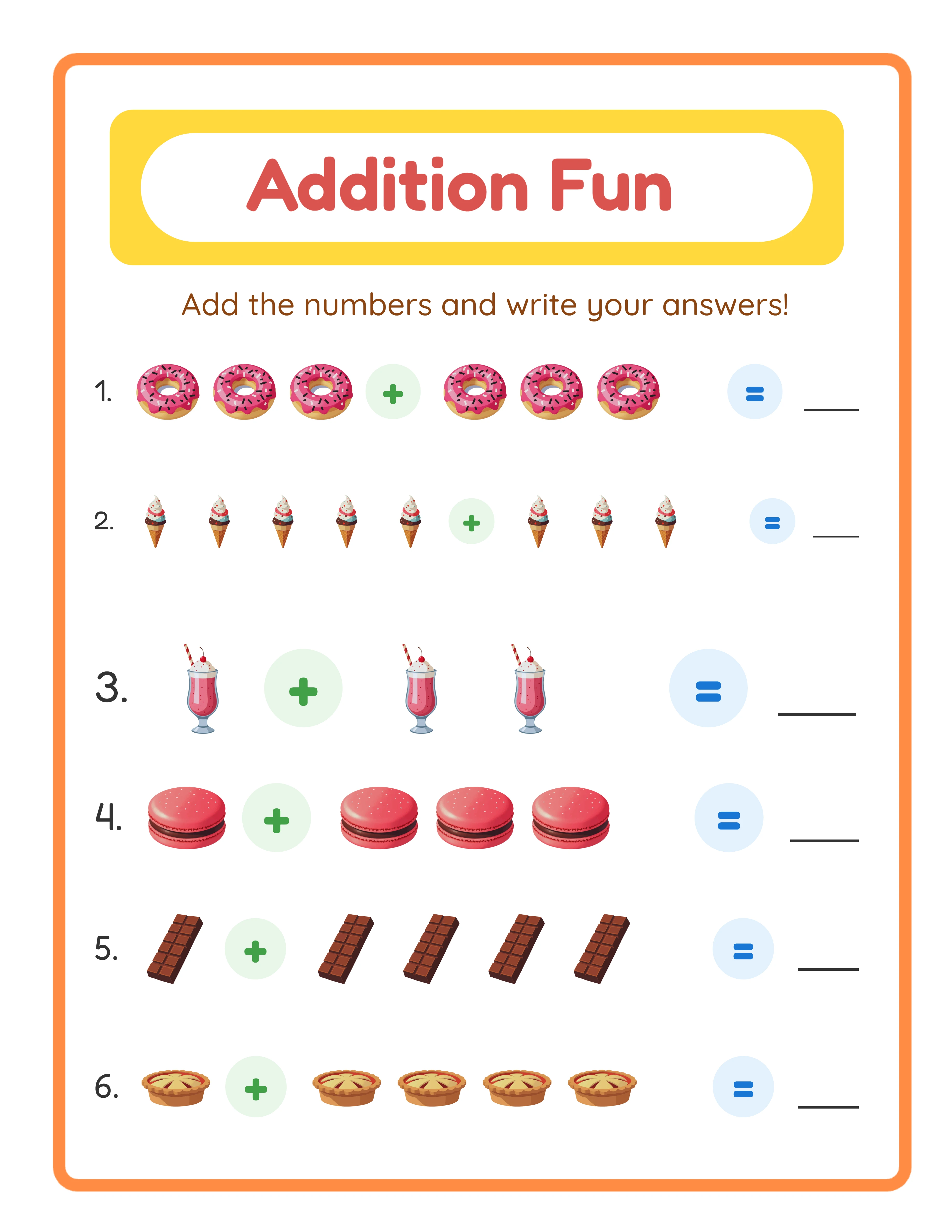
Specify exact contents in every listing. Do not write "Math Worksheets Bundle" when you can write "25 Unique Addition Worksheets, PDF format, US Letter size (8.5 x 11 inches), printable in color or grayscale, grade levels K-2, covering single-digit addition from 0+0 through 9+9." The specific description answers six potential support questions before they are asked: how many worksheets, what format, what paper size, color requirements, grade appropriateness, and content scope. Every detail you include in the description is a support request you will never receive.
List file formats explicitly and explain what software opens them. Rather than just stating "PDF files included," write "PDF files — opens with Adobe Acrobat Reader (available at no cost), Preview on Mac, or any web browser. Not editable — these are print-ready worksheets designed for immediate use." This single sentence prevents three categories of support questions: what software to use, whether the files are editable, and what "print-ready" means.
Include printing instructions directly in the product description and as a separate page in the downloaded file. Specify the intended paper size (and note compatibility with alternative sizes), recommended print settings (color versus grayscale, quality level, scaling options), and any special instructions for borderless printing or double-sided printing. For international sellers, explicitly address both US Letter and A4 compatibility. A note like "Designed for US Letter (8.5 x 11 in). Prints on A4 with minimal margin adjustment — select Fit to Page in your print dialog" prevents the most common international printing support request.
Use preview images that accurately represent the actual product. Show real worksheet pages, not mockups or lifestyle photos that obscure the actual content. If your product contains 25 worksheets, show at least 4-5 representative pages so buyers understand the style, difficulty level, and visual design. Misleading previews that make products look different from reality are the fastest path to expectation mismatch support requests and negative reviews.
State what is NOT included as clearly as what is included. If your worksheet pack does not include answer keys, say so. If the product is not editable, state that explicitly. If images are for personal use only and not for commercial redistribution, note that in the description. Explicitly addressing what buyers will not find in the product prevents the disappointed "I expected X but did not get it" support messages that often lead to refund requests and negative reviews.
3
Build a FAQ and Self-Service Support System
Self-service support scales infinitely while personal support scales only with your time. Every answer a buyer can find without contacting you saves both of you time and creates a better experience — studies consistently show that buyers prefer finding answers themselves over waiting for a response from a seller.
Create a comprehensive FAQ document and include it as a separate PDF in every product download. Cover the top questions specific to your product type: how to download and access files, what software to use, printing instructions for different paper sizes and printer types, usage rights and license terms, and how to contact you if they need additional help. A well-organized FAQ document that answers 90% of common questions costs you nothing to include and dramatically reduces support requests. Update this FAQ whenever you receive a new question that other buyers might also have.
Build your marketplace shop FAQ or About section with searchable answers to common questions. Most marketplace platforms (Etsy, Gumroad, Creative Fabrica) provide a shop FAQ or About section where you can post frequently asked questions. Buyers who visit your shop often check these sections before purchasing, so comprehensive shop FAQs serve double duty: preventing pre-purchase questions and reducing post-purchase support needs.
Create a simple support page or document that covers universal issues across your entire product line. This could be a single PDF that you include with every order, a page on your website, or a detailed shop policy section on your marketplace profile. Cover topics that apply to all your products: general download instructions for each platform you sell on, PDF printing best practices, your refund policy, how to contact you, typical response times, and links to any video tutorials you have created.
Consider creating short video tutorials for complex support topics. A two-minute screen recording showing how to download, open, and print a worksheet eliminates an entire category of support requests and serves buyers who learn better from video than written instructions. Host these on YouTube (unlisted if you prefer) and link to them in your FAQ document, product descriptions, and support response templates. One video tutorial can replace hundreds of individual support responses over the lifetime of your shop.
Include a "Getting Started" page as the first page of every multi-page product. This page should provide download confirmation ("You have successfully purchased [Product Name]"), brief printing instructions, a note about file format and software requirements, your contact information for support, and a request to leave a review if they are satisfied. This single page sets expectations immediately when the buyer opens the file and provides support resources at the exact moment they are most likely to need them.
4
Develop Response Templates for Common Support Scenarios
Response templates ensure consistent, professional communication while dramatically reducing the time you spend on each support interaction. The goal is not to sound robotic but to have well-crafted starting points that you personalize for each specific situation.
Create templates for your top 10 support scenarios. Based on the common issue categories, most digital product sellers need templates for: download access problems, file format questions, printing issues, product content questions, refund requests, license and usage inquiries, positive feedback responses, feature or customization requests, bulk purchase inquiries, and wrong product or misunderstanding situations. Having a template for each scenario means you never start a response from scratch, even when the specific details vary.
Structure every template with three elements: acknowledgment, solution, and next step. Start by acknowledging what the buyer is experiencing ("Thank you for reaching out about the download issue"). Then provide a clear solution or explanation ("Here is how to access your files on Etsy: go to your account, click Purchases and Reviews, find this order, and click Download Files"). End with a next step that keeps the interaction moving toward resolution ("If the download button does not appear, please let me know and I will send the files directly to your email").
For download issues, create platform-specific templates. A download support response for an Etsy buyer should include Etsy-specific instructions (Purchases and Reviews section, Download Files button). A response for a different platform should reference that platform's specific download process. Generic instructions confuse buyers who cannot find the buttons or menus you are describing because they do not match their platform experience.
Build a template for the "product does not match expectations" scenario that balances empathy with clarity. This template should acknowledge the buyer's disappointment, ask specifically what they expected versus what they received, reference the product description where the relevant information was stated, and offer a constructive resolution (exchange for a different product, guidance on using the product differently, or a refund if appropriate). This template needs to be diplomatic because expectation mismatches often involve buyers who feel misled, even when the product description was accurate.
Create a template for positive feedback that encourages reviews. When a buyer messages you to say they love your worksheets, respond with genuine appreciation and a gentle prompt: "Thank you so much for sharing that! It means a lot to hear that the worksheets are working well for your solvers. If you have a moment, a review on the listing would be incredibly helpful for other buyers looking for similar resources." Happy buyers who contact you are your best potential reviewers, and a personal response that asks for a review converts at a much higher rate than automated review request emails.
5
Handle Refund Requests Professionally and Strategically
Refund handling is the highest-stakes area of customer support for digital product sellers. A poorly handled refund request almost guarantees a negative review. A professionally handled refund — even when you process the refund — can still result in a neutral or even positive outcome.
Respond to refund requests within 24 hours, regardless of the day or time. Refund requests carry emotional weight for buyers, and a delayed response increases frustration and the likelihood of a negative review before you even have a chance to resolve the situation. A quick acknowledgment ("Thank you for reaching out. I want to make sure we resolve this to your satisfaction. Let me look into this right away.") buys you time to investigate while showing the buyer that you take their concern seriously.
Differentiate between legitimate product issues and expectation mismatches. Legitimate product issues include corrupted files, missing pages, incorrect content, or technical errors in the product itself. These deserve immediate refunds with an apology and a corrected product sent at no charge. Expectation mismatches — where the product accurately matches the description but the buyer expected something different — require a different approach: acknowledge their disappointment, clarify what the product includes, and offer alternatives before defaulting to a refund.
For expectation mismatch refund requests, try offering alternatives before processing the refund. "I understand this was not what you were looking for. Would any of these alternatives better match your needs?" followed by suggestions from your catalog. Some buyers request refunds because they do not know about a better-fitting product in your shop. Others may be satisfied once you explain features of the product they had not noticed. If alternatives do not resolve the situation, process the refund gracefully — fighting over a refund for a digital product is never worth the negative review it will generate.
Process legitimate refunds quickly and without friction. When a refund is clearly warranted (product defect, duplicate purchase, or genuine dissatisfaction that alternatives cannot resolve), process it promptly with a brief, professional message. Do not require buyers to justify their request extensively, do not make the process feel punitive, and do not add delays that increase frustration. A seller who processes a legitimate refund immediately and gracefully often receives no review at all (neutral outcome) rather than the negative review they would have received from a drawn-out process.
Track refund reasons to identify and fix patterns. If the same product generates repeated refund requests, the product or its listing has a problem that needs fixing. If refunds cluster around a specific issue (paper size confusion, file format expectations, grade level mismatch), update your product descriptions and FAQ to address that issue directly. Every refund should trigger a review of whether the underlying cause can be prevented for future buyers. The goal is to reduce your refund rate over time by eliminating the conditions that cause refund requests in the first place.
6
Turn Support Interactions Into Business Improvements
Every support interaction contains information about how your products, listings, or processes can improve. Sellers who treat support as pure cost miss the improvement signals. Sellers who systematically analyze support patterns build increasingly better products and listings that generate fewer support requests over time.
Track every support request by category and product. A simple spreadsheet with columns for date, product, issue category, resolution, and time spent provides the data you need to identify patterns. After tracking for one month, you will see which products generate the most support requests, which issue categories are most common, and where your FAQ or documentation has gaps. This data directs your improvement efforts toward the highest-impact changes.
When multiple buyers ask the same question, update your product description and FAQ immediately. If three buyers ask whether your worksheets work on A4 paper, add A4 compatibility information to every relevant listing. If two buyers ask about grade level suitability, add grade level specifications to your descriptions. Each recurring question represents a gap in your documentation that affects not just the buyers who contacted you but also the buyers who had the same question and chose not to purchase rather than asking.
Use support conversations to identify product improvement opportunities. If buyers frequently request answer keys that you do not include, consider adding them. If buyers ask for editable versions, consider offering an editable tier. If buyers want larger bundles, consider creating them. Support requests where buyers ask for features you do not offer are direct market research — they tell you what buyers want to pay for. Not every request warrants action, but patterns across multiple buyers indicate genuine market demand.
Review negative feedback for actionable improvements rather than taking it personally. A one-star review that says "worksheets were too easy for my second grader" tells you that your grade level targeting or description needs clarification. A complaint about "boring designs" may indicate that your visual presentation needs updating. A complaint about "too few worksheets for the price" suggests a pricing or value perception issue. Extract the actionable information from negative feedback, make the relevant improvements, and move forward. The improvement matters more than the emotional sting of the criticism.
Create a quarterly support review process. Every three months, analyze your support data to identify trends, measure whether previous improvements reduced support volume in their target categories, and prioritize the next round of improvements. This systematic approach ensures that your support experience improves continuously rather than remaining static. Over time, each product should generate fewer support requests as you refine descriptions, improve FAQs, and address the issues that previously drove support volume.
7
Manage Reviews and Feedback Constructively
Reviews are the public face of your customer support quality. Potential buyers read reviews not just for product quality information but to assess how you handle problems. Your responses to reviews — especially negative ones — often influence purchasing decisions more than the reviews themselves.
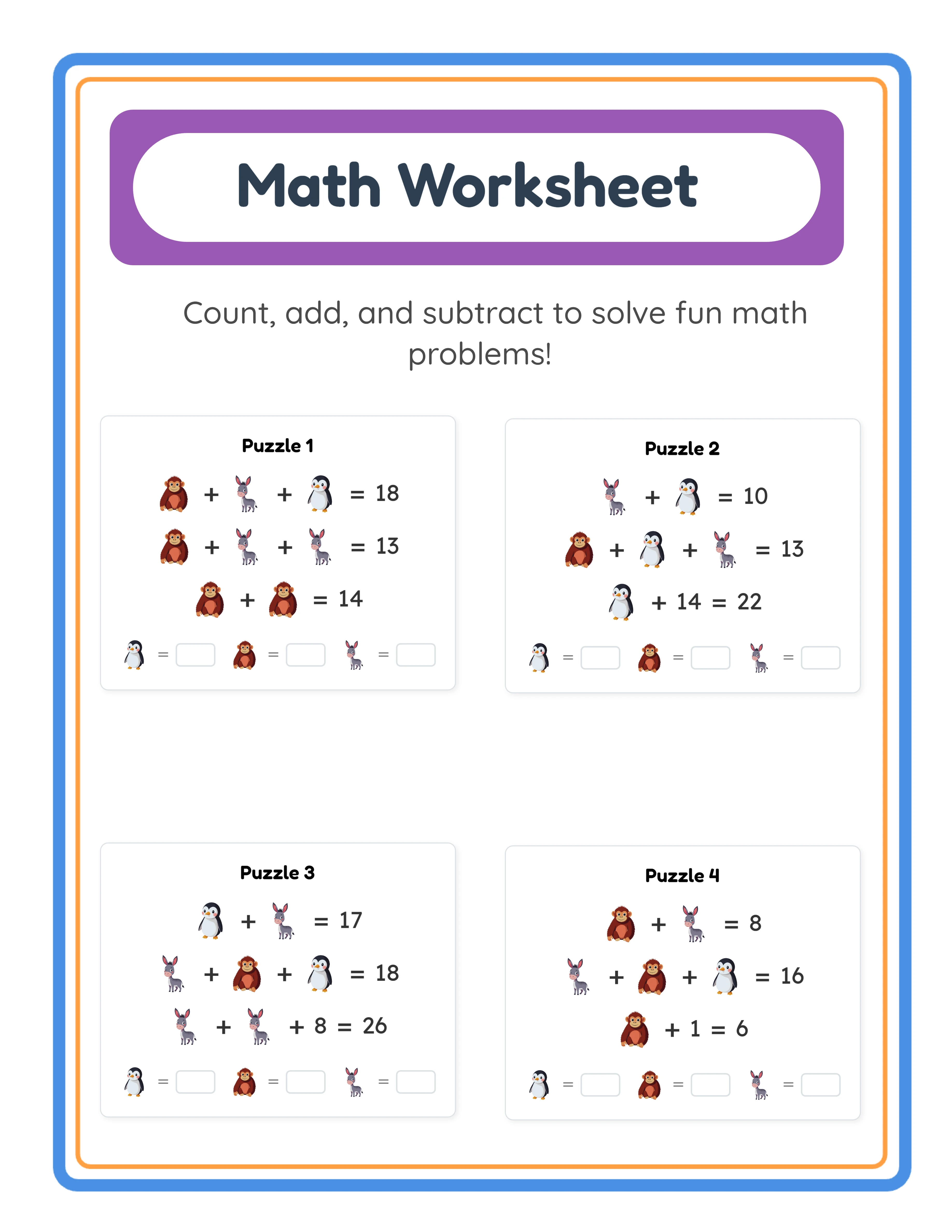
Respond to every review you can respond to on the platform. Thank positive reviewers specifically and personally: "Thank you for taking the time to share this! I am glad the animal-themed worksheets are working well for your store." Specific responses show genuine engagement rather than copy-paste generic thanks. They also encourage other buyers to leave reviews because they see that the seller actually reads and appreciates feedback.
Handle negative reviews as a public customer service opportunity. Potential buyers who see a negative review followed by a professional, empathetic, solution-oriented seller response are often more impressed than they would be by a listing with only positive reviews. Respond to negative reviews by acknowledging the issue, explaining what you have done or will do to address it, and offering to help resolve the buyer's specific situation. Never argue, never blame the buyer, and never become defensive. A response like "I am sorry the download did not work smoothly. I have updated the instructions in the listing to make the process clearer, and I have sent you a direct message with alternative download links. Thank you for letting me know about this issue" demonstrates professionalism to every future buyer who reads it.
Never ask buyers to change or remove negative reviews. This violates most marketplace policies and almost always backfires. If you resolve a buyer's issue satisfactorily, some will voluntarily update their review — but asking them to do so feels coercive and can damage the interaction even after a successful resolution. Focus on resolving the issue genuinely, and let review updates happen naturally if they happen at all.
Use review patterns to validate or redirect your product development priorities. If positive reviews consistently praise specific features (themed designs, print quality, age-appropriate difficulty), those are your competitive strengths to emphasize in future products and marketing. If negative reviews consistently mention the same issues (limited variety, unclear instructions, not enough pages), those are your priority improvement areas. Reviews are crowd-sourced product feedback — treat them as valuable market research data rather than purely emotional experiences.
Monitor your overall review profile metrics and set improvement targets. Track your average rating, your ratio of five-star to sub-five-star reviews, and the specific issues mentioned in lower-rated reviews. Set quarterly targets for improvement: reducing complaint frequency about specific issues, increasing review response rate, or improving your average rating by addressing the most common negative feedback themes. Measurable targets create accountability and demonstrate progress over time.
8
Scale Your Support as Your Catalog Grows
A support system that works for 10 products may collapse under the weight of 50 or 100 products. Building scalable support processes from the beginning prevents the common experience of sellers who become overwhelmed by support volume as their catalogs grow and their previous ad hoc approach breaks down.
Standardize your product documentation across your entire catalog. Every product should include the same support infrastructure: a getting started page, printing instructions, FAQ coverage, copyright and usage terms, and your contact information. Create a master template for these support documents and customize it for each product type. Standardization means that buyers who purchase multiple products from you encounter a consistent support experience, and you can update all support documentation simultaneously when you improve your templates.
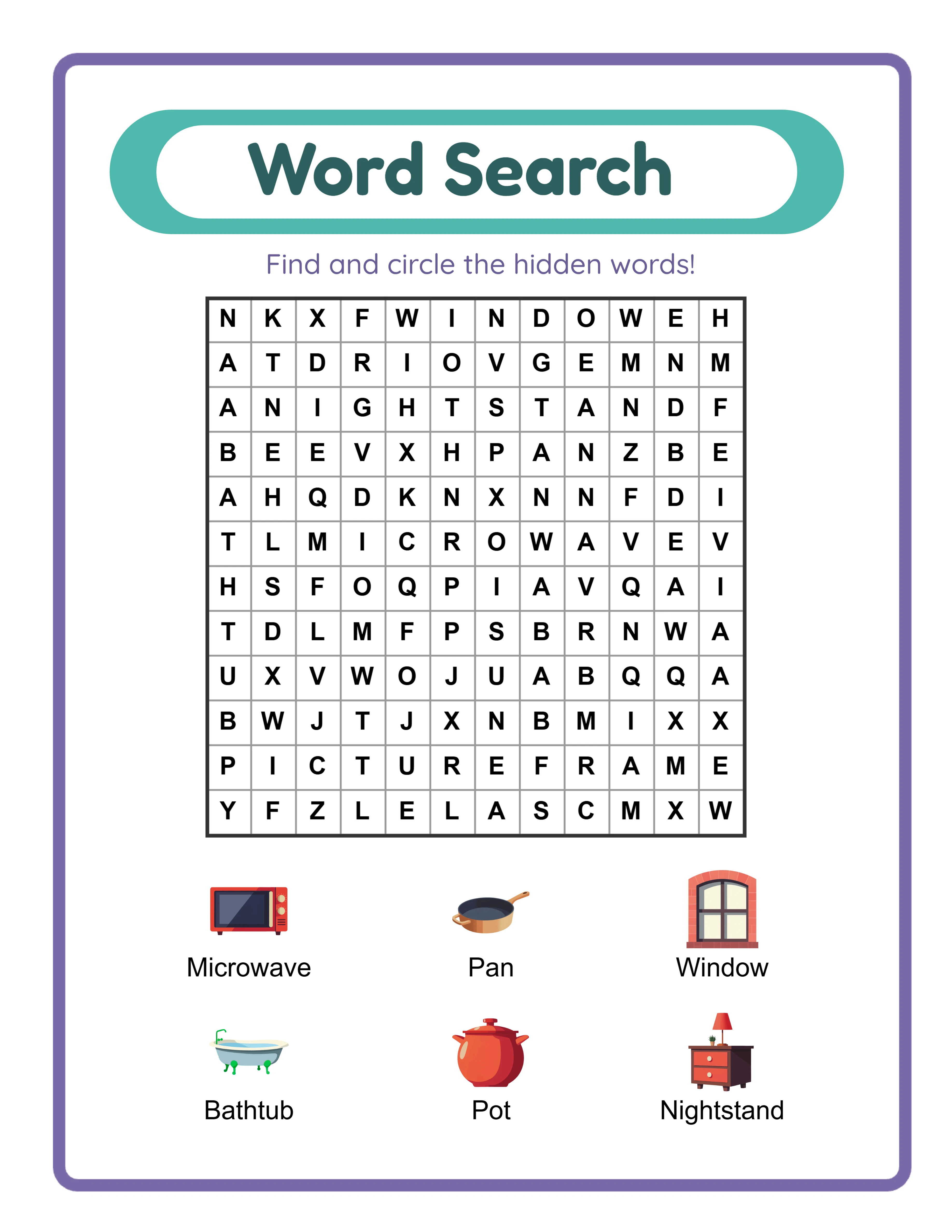
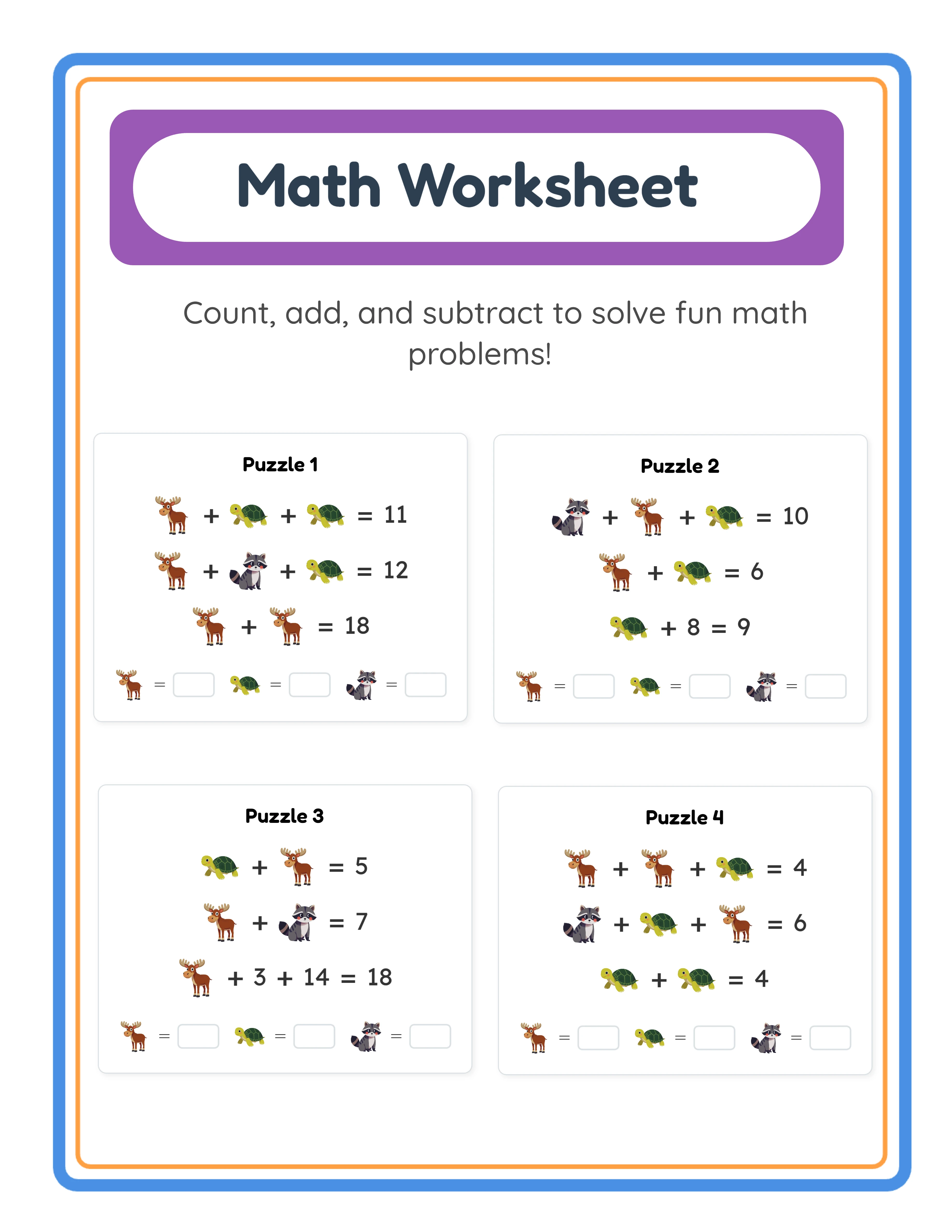
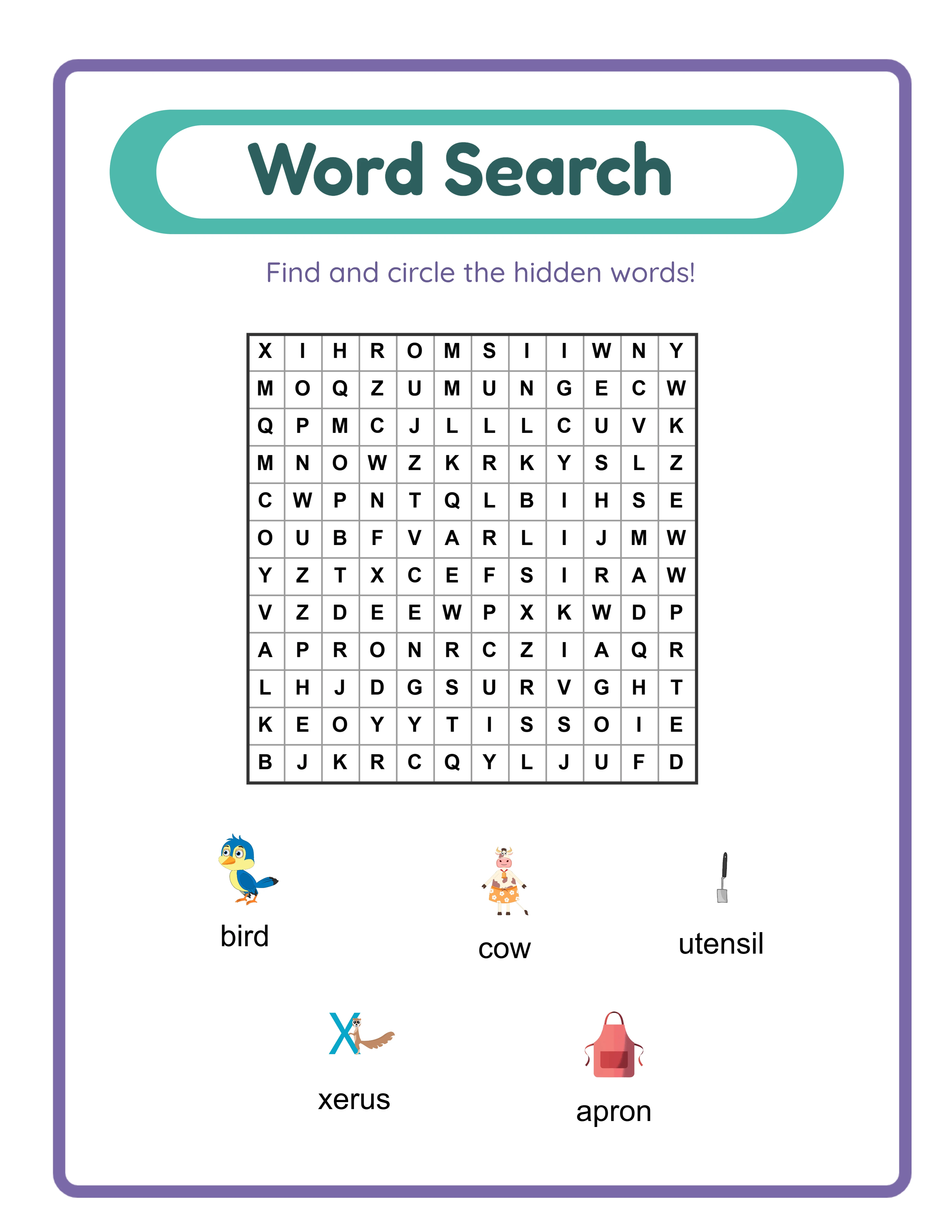
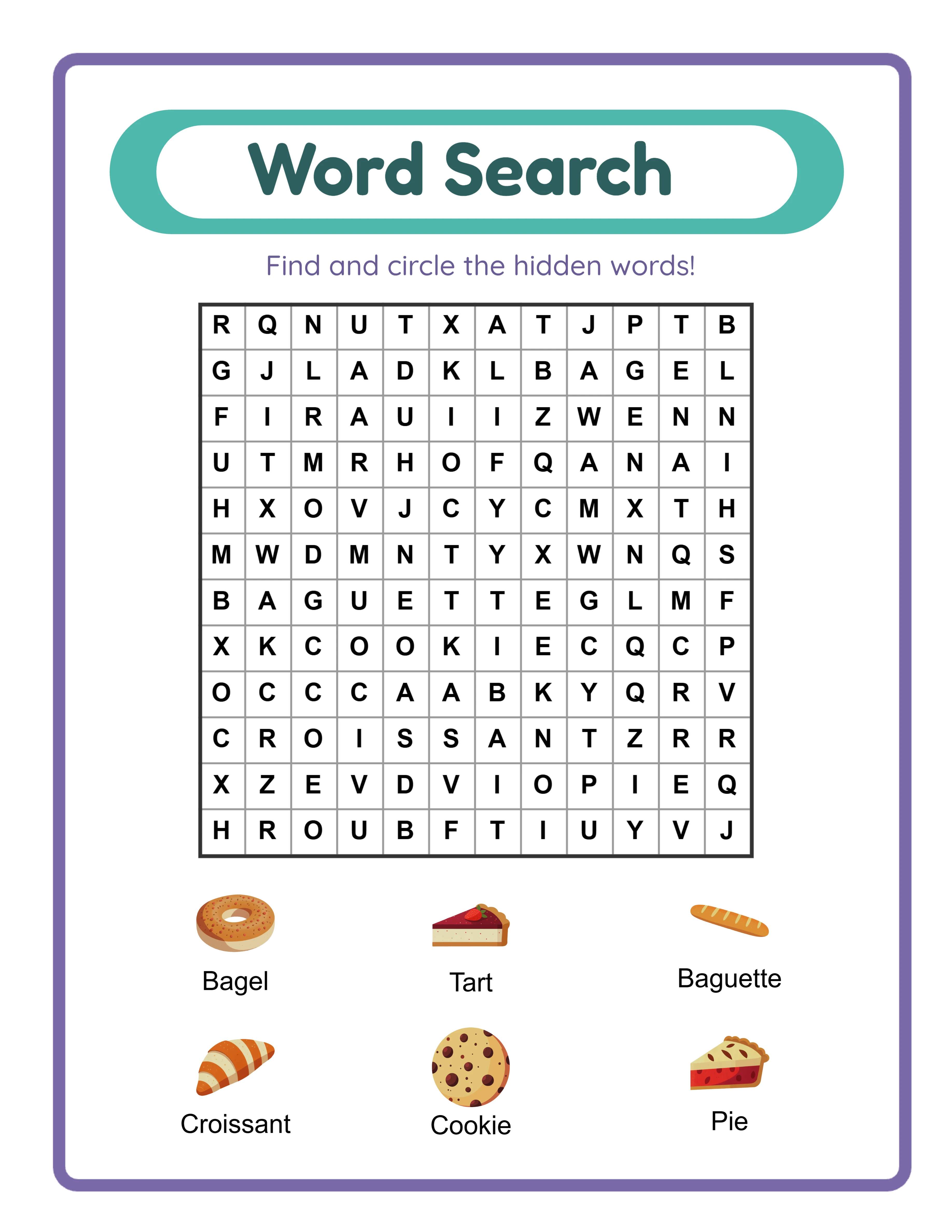
Organize your response templates by product category and issue type. As your catalog grows, generic templates become less useful because different product types have different support needs. Math worksheet support issues differ from coloring page support issues differ from word search support issues. Build a template library organized by product category and issue type so you can quickly find the right starting template for any support interaction. Store these templates in a document you can search and access quickly — a shared document, a text expansion tool, or a simple organized text file.
Set and communicate realistic response time expectations. Post your typical response time in your shop FAQ and auto-responses: "I typically respond to messages within 24 hours during business days." Setting expectations prevents buyer frustration from uncertain wait times. Then consistently meet or beat your stated response time. A seller who promises 24-hour responses and delivers in 12 hours creates a better impression than a seller who promises nothing and responds in 6 hours, because the first seller set and exceeded an expectation while the second gave the buyer no framework for evaluating responsiveness.
Batch your support processing to protect productive time. Rather than responding to messages as they arrive throughout the day, designate specific support windows (for example, once in the morning and once in the evening) where you process all pending messages. This approach lets you maintain focused product creation time while still providing prompt responses. Urgent messages can be flagged for immediate attention, but most digital product support questions are not time-critical and can wait a few hours without any negative effect on buyer satisfaction.
As volume increases, identify which support tasks can be systematized further. If printing questions account for 30% of your support volume, create a comprehensive printing guide video and link to it in every product, listing, and initial support response. If download issues are platform-specific, create platform-specific download instruction PDFs that you can send as attachments. If refund processing follows consistent patterns, document your refund decision criteria so that you (or eventually a support assistant) can process them consistently. The goal is to reduce the time per support interaction while maintaining quality, so that catalog growth does not proportionally increase your daily support time.
Plan for eventual delegation. Even if you handle all support personally now, build your processes as if you will eventually hand them off. Documented procedures, organized template libraries, clear decision criteria for refunds and escalations, and tracked support metrics all make it possible to bring on a support assistant when volume justifies it. The alternative — keeping everything in your head and handling each interaction from scratch — makes delegation nearly impossible and keeps you permanently tied to support operations as your business grows.