Tutorial
1
Identify Your Most Time-Consuming Production Tasks
Before automating anything, you need a clear picture of where your time actually goes. Most sellers have a vague sense that "everything takes too long" but have never measured which specific tasks consume the most hours. Without this measurement, you risk automating tasks that seem annoying but are actually quick, while ignoring the real time sinks that would yield the largest efficiency gains if systematized.
Track your production time for one full week by noting how many minutes you spend on each distinct task: content research and planning, worksheet creation and design, quality checking and proofreading, file preparation and export, thumbnail and preview image creation, product description writing, listing creation and keyword optimization, and cross-platform listing adaptation. Use a simple spreadsheet or even a notepad — the format matters less than the consistency of tracking.
Most printable sellers discover a predictable pattern when they track their time. Worksheet creation and design typically consumes 30% to 40% of total production time. Description writing and listing creation takes another 20% to 30%. File organization, naming, and export preparation accounts for 10% to 15%. Thumbnail creation takes 5% to 10%. The remaining time goes to research, quality checking, and administrative tasks. Your specific breakdown will vary, but the pattern of two or three tasks dominating your total time is nearly universal.
Once you have your time data, rank tasks by two criteria: total time consumed and repetitiveness. A task that takes significant time AND follows the same pattern every time is a prime automation candidate. Worksheet creation is the classic example — it consumes the most time and follows a predictable process for each product type. Description writing is another — every listing needs one, and the structure is largely identical across products. File naming and organization follow the same rules for every product. These high-time, high-repetition tasks are where systematic processes deliver the greatest return on the time you invest in building them.
2
Build a Template System for Product Creation
Templates eliminate the single most wasteful pattern in creative production: starting from scratch. Every time you open a blank document and begin building a worksheet layout, you are repeating setup work that is identical to what you did for the previous product and will do again for the next one. Templates capture that setup work once and reuse it indefinitely, so your creative effort focuses on what is unique about each product rather than recreating the common elements.
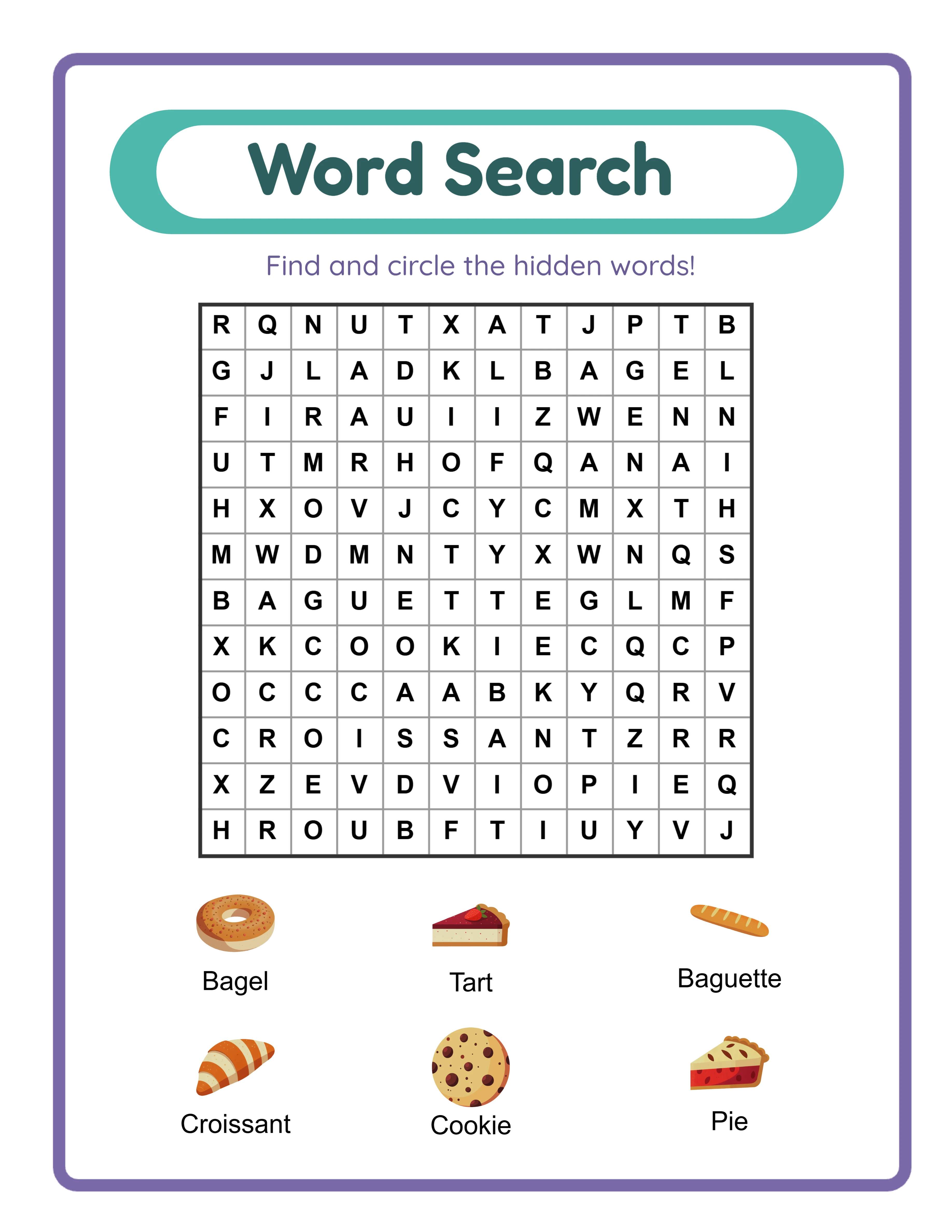
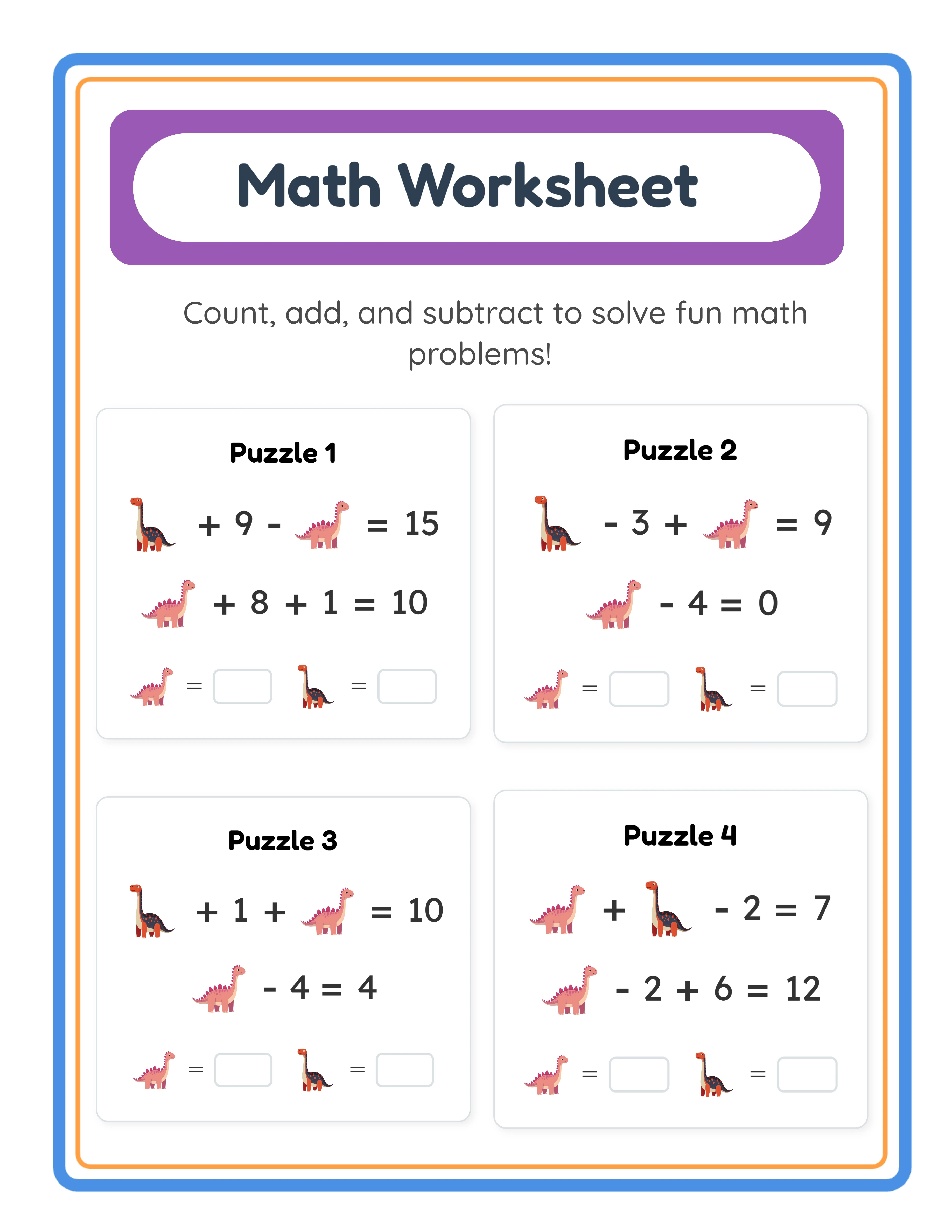
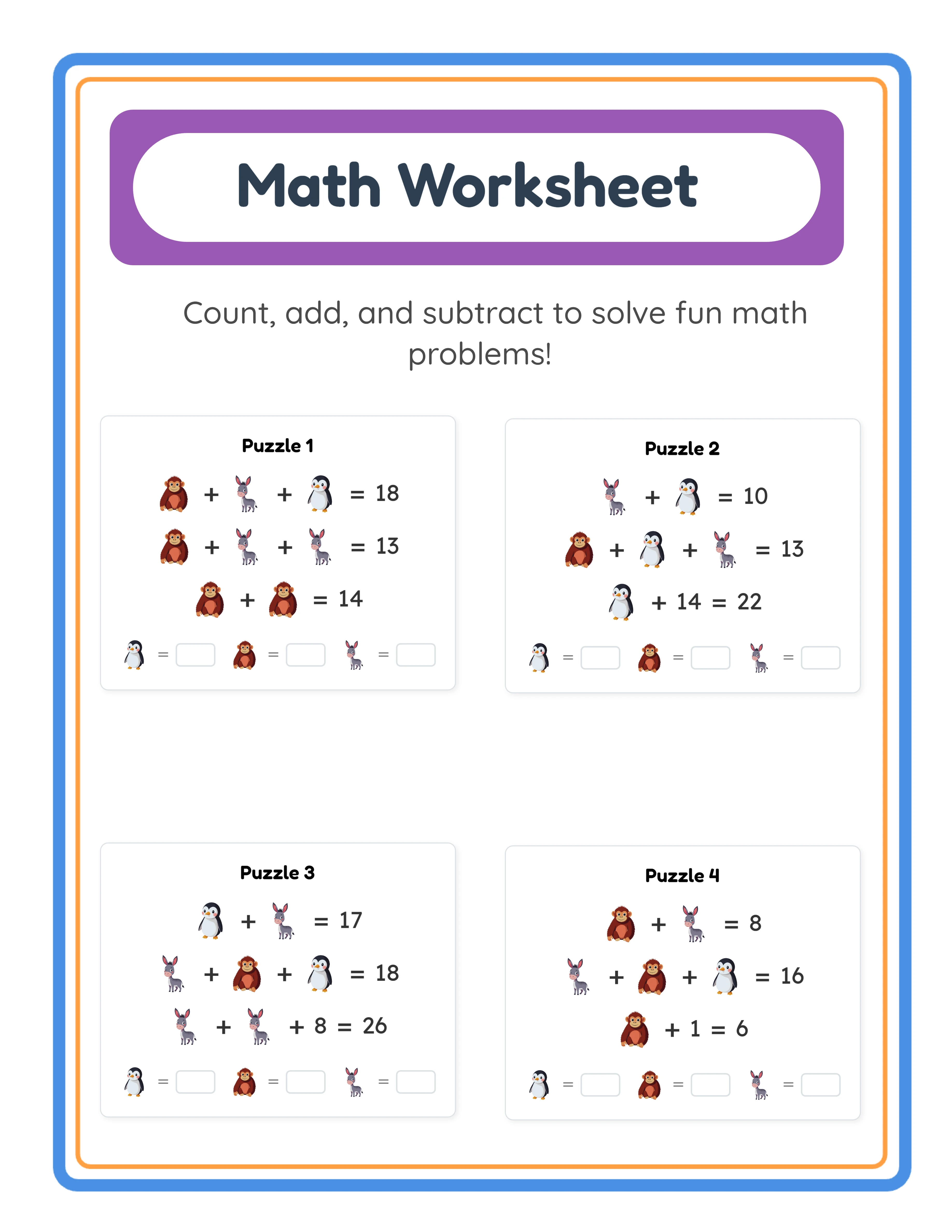
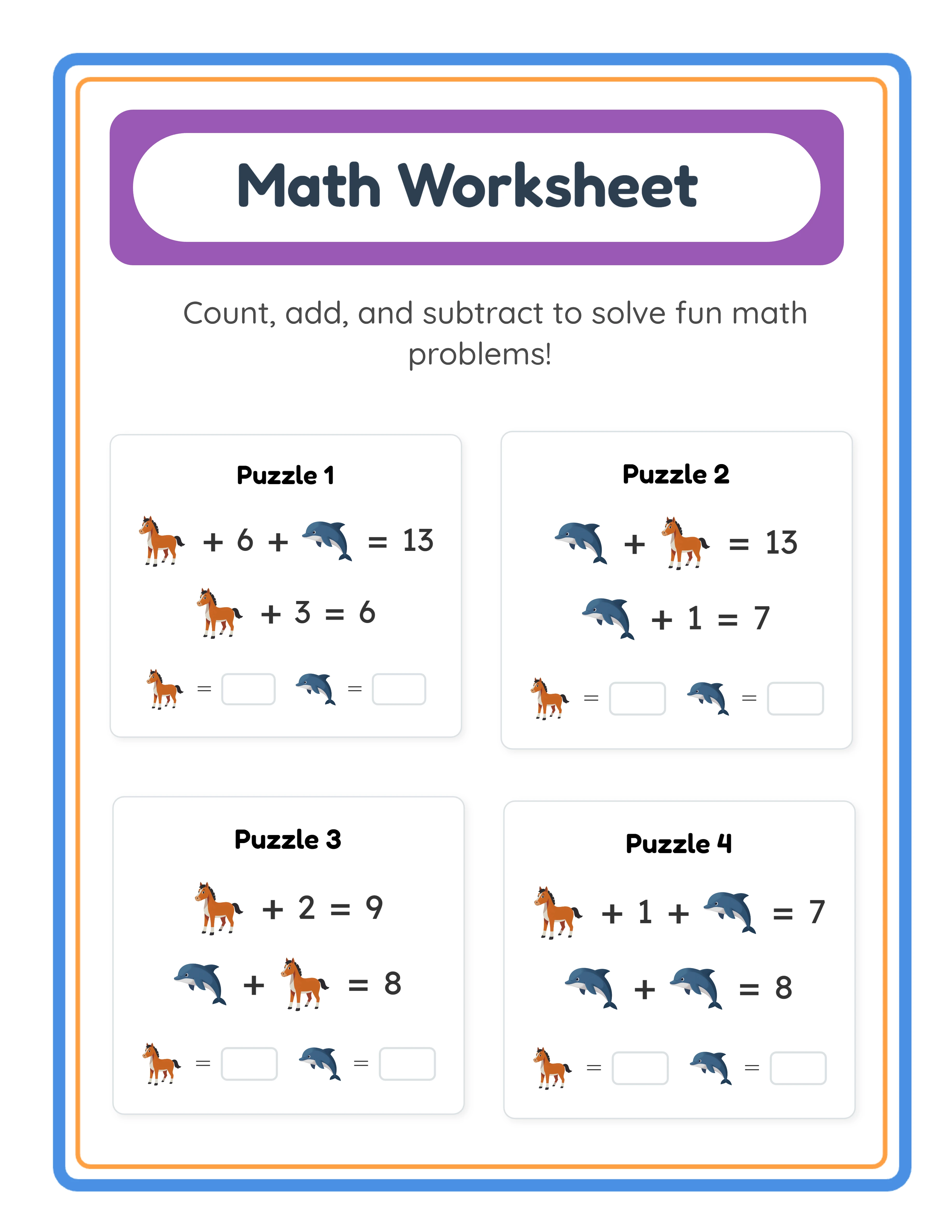
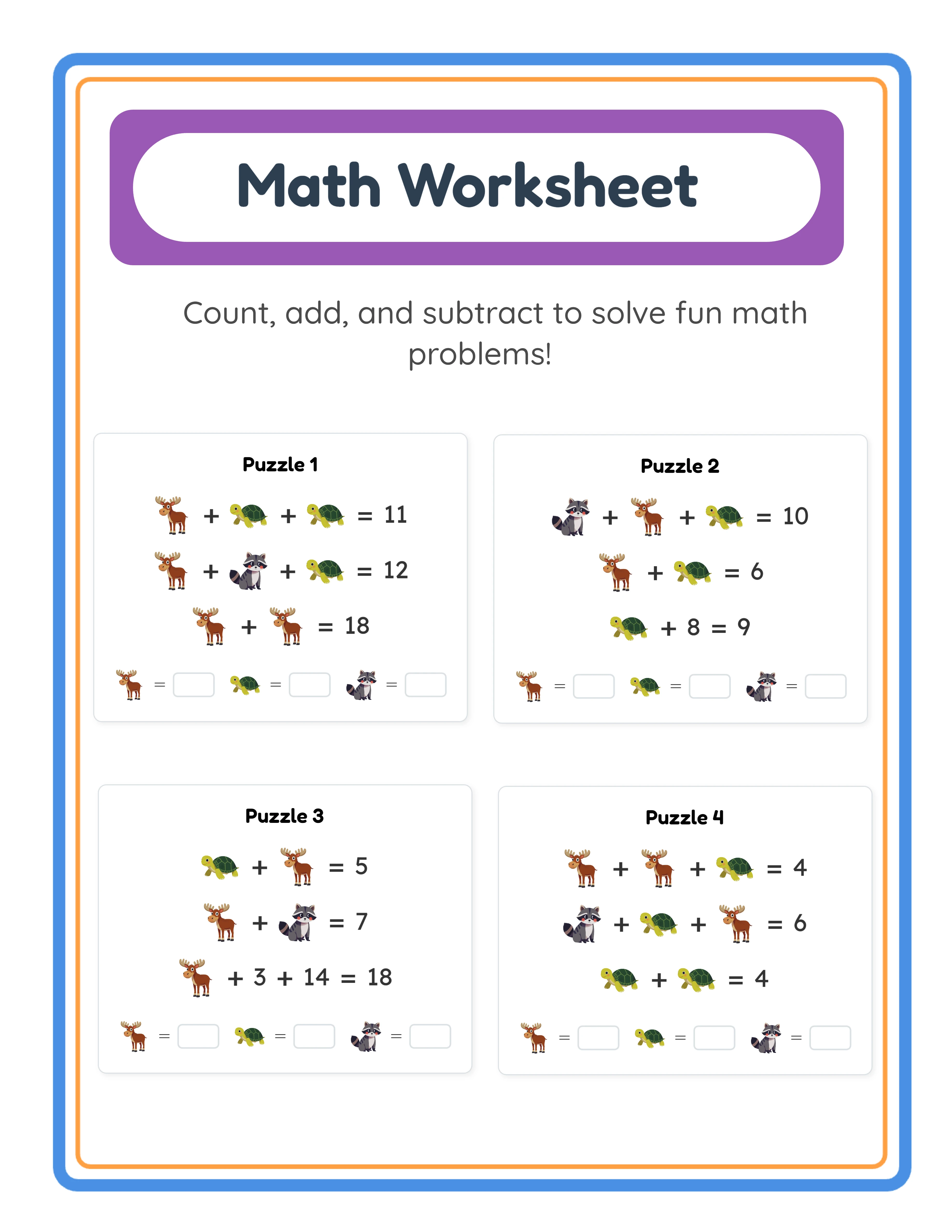
Create master templates for each product type you sell regularly. A math worksheet template includes your standard page layout with consistent margins, header area for title and instructions, problem grid formatting, answer key page structure, and footer with your branding. A word search template includes the puzzle grid dimensions, word list area, decorative border elements, and instruction text. Each template should be ready to use with minimal modification — ideally, you change only the specific content (problems, words, theme) while the structure remains fixed.
Worksheet generators serve as sophisticated template systems that go beyond static layout templates. Rather than providing a blank formatted page that you fill in manually, generators produce complete, ready-to-use worksheets based on your configuration choices. You select the math operation, difficulty level, number of problems, theme, and language, and the generator produces a fully formatted, print-ready PDF. This is template automation at its most powerful — the entire content creation step is handled by the system, not just the layout. You can try any generator as a free trial with watermark to see how this accelerates your production workflow.
Beyond product templates, create templates for every repeatable document in your business. Listing description templates with placeholder fields for product-specific details. Thumbnail templates where you swap the preview image but keep the layout, fonts, and branding consistent. Email response templates for common customer questions. Social media post templates for product announcements. Each template you build saves time on every single use, and the savings compound as your catalog grows — a description template used for 100 products saves dramatically more total time than one used for 10 products.
Organize your templates in a dedicated folder structure that makes them instantly accessible. Group templates by type (product templates, listing templates, image templates, communication templates) and name them descriptively so you can find the right template without opening multiple files. A well-organized template library becomes the operational backbone of your business — the starting point for every new product, listing, and communication.
3
Batch Your Production Process for Maximum Efficiency
Batching means performing the same type of task for multiple products in a single focused session rather than completing one product from start to finish before beginning the next. This approach dramatically reduces the time cost per product because it eliminates the context-switching overhead that occurs every time you shift between different types of work.
Context switching is the hidden productivity killer in ad hoc production workflows. When you create a worksheet, then write its description, then make its thumbnail, then create the next worksheet, then write its description, your brain must recalibrate for each type of task. Switching from visual layout work to copywriting to image editing requires different tools, different mental frameworks, and different creative modes. Research consistently shows that context switching adds 15% to 25% overhead to task completion time. Over a full production day, that overhead can cost you two or more hours of productive work.
Structure your production in batch sessions organized by task type. Dedicate one session entirely to worksheet creation: configure and generate all the worksheets you need for the week in a single focused session. Dedicate another session to description writing: open your description template and write all product descriptions in sequence, maintaining the copywriting mindset throughout. Dedicate a third session to thumbnail creation: set up your thumbnail template and produce all preview images consecutively. Each session benefits from momentum — by the third or fourth product in a batch, you are working significantly faster than you were on the first because the process is fully loaded in your working memory.
A practical batch production schedule might look like this: Monday morning, generate all worksheets for the week using worksheet generators (10 to 15 products in 2 to 3 hours). Monday afternoon, quality-check all generated worksheets and prepare final export files. Tuesday, write all product descriptions using your template system (10 to 15 descriptions in 2 to 3 hours). Wednesday, create all thumbnails and preview images. Thursday, create all marketplace listings using your completed descriptions and images. Friday, adapt listings for secondary platforms. This schedule produces 10 to 15 fully listed products per week with clear daily focus and zero context switching within each day.
Batching also improves consistency across your catalog. When you write all descriptions in one session, they naturally maintain a consistent voice, structure, and quality level. When you create all thumbnails consecutively, they develop a cohesive visual style. This consistency builds brand recognition and professional credibility that individual ad hoc creation cannot match.
4
Create Standardized Product Description and Listing Templates
Product descriptions are one of the most time-consuming and inconsistently executed tasks in a printable business. Without a template, sellers either spend thirty minutes agonizing over each description or rush through them, producing listings that vary wildly in quality, completeness, and keyword optimization. A standardized description template solves both problems by ensuring every listing is comprehensive, optimized, and produced in a fraction of the time.
Build a master description template for each product category with clearly marked placeholder fields. A math worksheet description template might follow this structure: opening hook (one sentence describing the product and its educational value), product specifications (page count, problem count, difficulty range, grade level), included features (answer keys, instructions page, variety of problem types), usage suggestions (home practice, homework, homeschool, tutoring), printing instructions (paper size, recommended settings), and closing with your support contact and license information. Each section remains constant across products — only the specific details within the placeholders change.
The placeholder approach transforms description writing from creative composition into efficient fill-in-the-blank completion. Instead of staring at a blank text field and deciding what to write, you open your template and fill in the specifics: "This [THEME] [PRODUCT TYPE] pack contains [PAGE COUNT] pages of [SKILL] practice for [GRADE LEVEL]." The structure, flow, and completeness are guaranteed by the template. You are making small, specific decisions (what theme, how many pages, what grade level) rather than large, creative decisions (what to say, how to organize it, what to include).
Include a keyword integration guide within your template that lists the types of keywords to include in each section. Title keywords (product type, subject, grade level), body keywords (specific skills, use cases, buyer types), and tag keywords (themes, formats, educational standards). This ensures every listing is search-optimized without requiring you to research keywords from scratch for each product. Maintain a running keyword list organized by product category that you reference when filling in your templates.
Create platform-specific template variants that account for formatting differences between marketplaces. Etsy descriptions support basic formatting and have a 13-tag limit. Amazon KDP has specific fields for title, subtitle, description, and backend keywords. Gumroad supports flexible formatting with headers and bullet points. Having a template variant for each platform means you adapt once and reuse indefinitely, rather than reformatting every description for every platform every time you list a new product.
5
Systematize Your File Organization and Naming
A consistent file organization system prevents one of the most frustrating and time-wasting problems in a growing printable business: not being able to find the right file when you need it. As your catalog grows from 10 products to 50 to 200, the number of files you manage grows exponentially — product files, thumbnails, preview images, listing drafts, and platform-specific exports. Without a system, you spend increasing amounts of time searching for files, and the risk of listing the wrong file or uploading an outdated version grows with every product you add.
Create a standardized folder hierarchy that scales with your catalog. A proven structure organizes files first by product type, then by theme, then by variant: `/Math Worksheets/Animals/Addition-Animals-K-20pages/`. Within each product folder, maintain consistent subfolders: `/final-pdf/` for the deliverable file, `/thumbnails/` for listing images, `/previews/` for preview pages, and `/listing-text/` for the description and keywords. This structure means you always know exactly where to find any file for any product, regardless of when you created it or how large your catalog has grown.
Adopt a descriptive file naming convention that encodes key product information directly in the filename. A name like `addition-animals-kindergarten-20pages-letter.pdf` tells you the subject, theme, grade level, page count, and paper size without opening the file. Consistent naming prevents the common problem of folders full of files named "worksheet-final.pdf", "worksheet-v2.pdf", and "worksheet-FINAL-ACTUAL.pdf" that require opening each file to identify the correct version.
Maintain a master product tracking spreadsheet that serves as the central index for your entire catalog. Each row represents one product and includes columns for: product name, product type, theme, grade level, page count, file location path, Etsy listing URL, Amazon listing URL, Gumroad listing URL, listing status per platform, date created, date last updated, and monthly revenue per platform. This spreadsheet becomes your operational command center — you can instantly see which products are listed where, which need platform expansion, and which are due for listing refreshes.
Set up your organization system before your catalog grows large. Retroactively organizing hundreds of inconsistently named files across scattered folders is painful and error-prone. Investing one to two hours in setting up your folder structure, naming convention, and tracking spreadsheet when you have 10 to 20 products saves dozens of hours of reorganization and file-hunting as your catalog scales to hundreds of products.
6
Automate Repetitive Image and File Processing
File preparation tasks — creating thumbnails, generating preview images, converting file formats, and preparing platform-specific exports — follow predictable patterns that can be systematized to eliminate per-product manual effort. Every product needs thumbnails, every listing needs preview images, and every platform has specific file requirements. Handling these tasks individually for each product is a significant time investment that grows linearly with your catalog size.
Create thumbnail templates that require only swapping the preview content. Design a standard thumbnail layout with your brand colors, consistent typography for the product title area, a designated zone for the worksheet preview image, and standard callout elements (page count badge, grade level indicator, "answer keys included" banner). When creating a thumbnail for a new product, you open the template, drop in the preview image, update the text fields, and export. The design decisions are already made — you are executing a fill-in-the-blank process rather than designing from scratch each time.
Standardize your export settings for each platform to eliminate repeated configuration. Etsy listing images need specific dimensions and file size limits. Amazon KDP cover images have precise pixel requirements. Gumroad preview images work best at certain resolutions. Document the export specifications for each platform once, save them as presets in your image editing software, and apply the correct preset when exporting. This removes the guesswork and repeated specification lookups that slow down the export process.
Build a file preparation checklist for each product type that ensures nothing is missed during the export process. A math worksheet checklist might include: verify all problems are correct, confirm answer key matches problems, export print-ready PDF at correct page size, generate 5 preview page images for listings, create primary thumbnail image, create secondary lifestyle thumbnail, verify file naming follows convention, copy files to correct folder structure. Running through a checklist is faster and more reliable than relying on memory, especially during batch production sessions where you are processing many products consecutively.
Consider your file processing pipeline as an assembly line rather than a craft workshop. In a craft workshop, one person does everything for one product before starting the next. On an assembly line, each station handles one specific operation across all products. Process all your preview images in one batch, all your thumbnails in the next batch, and all your platform exports in the final batch. This assembly line approach pairs naturally with the batch production schedule described earlier and keeps your file processing efficient even as your catalog grows.
7
Build a Content Calendar and Production Schedule
A production schedule transforms your printable business from a reactive, ad hoc operation into a predictable production pipeline. Without a schedule, you start each work session by deciding what to create, which platforms to list on, and which tasks to prioritize. These decisions consume mental energy and often lead to inconsistent output — productive weeks followed by slow weeks, bursts of creation followed by periods of listing without new products. A predetermined schedule eliminates daily decision-making and ensures consistent, predictable output.
Plan your production themes and products at least four to six weeks in advance, aligning with seasonal demand cycles and marketplace trends. Back-to-school season (July through September) demands math basics, reading readiness, and back-to-school resources. Holiday season (October through December) drives demand for themed activities and seasonal worksheets. New year (January through February) brings demand for fresh learning resources and organizational printables. Summer (May through July) attracts parents seeking supplemental learning activities. By planning ahead, you can have products created, listed, and indexed by marketplace search algorithms before peak demand arrives — rather than scrambling to create seasonal products after the demand has already begun.
Assign specific production tasks to specific days of the week to create a repeatable weekly rhythm. A proven weekly schedule: Monday and Tuesday for worksheet creation using generators (batch producing all new products for the week), Wednesday for description writing and listing preparation (using your templates), Thursday for thumbnail creation and file processing (using your image templates and export presets), Friday for marketplace listings and platform expansion. This schedule ensures every aspect of production receives dedicated focus time each week and creates a predictable cadence that you can sustain long-term without burnout.
Build production targets into your calendar that are ambitious but sustainable. A target of 10 new products per week is achievable with batch production methods and worksheet generators, and produces approximately 520 new products per year — enough to build a substantial, diversified catalog within 12 months. However, a target that leaves you exhausted and unable to maintain quality will ultimately produce worse results than a moderate target you can sustain consistently. Start with a target you can comfortably hit every week and increase it as your systems mature and your efficiency improves.
Include catalog maintenance tasks in your production calendar alongside new product creation. Reserve one session per month for refreshing top-performing listings with updated keywords and improved thumbnails. Schedule quarterly reviews of your catalog data to identify underperforming products that need optimization and high-performing categories where additional products would compound existing success. A production calendar that balances new creation with ongoing optimization ensures your catalog grows in both size and quality over time.
8
Scale Through Systematic Variation and Expansion
Once you have an efficient production system for one product type, the fastest path to catalog growth is systematic variation rather than entirely new product development. Each variation leverages your existing templates, description structures, production workflows, and listing systems, so the marginal time per new product decreases as your system matures. A seller who has built an efficient addition worksheet production system can produce animal-themed, vehicle-themed, food-themed, and nature-themed variants far faster than a seller creating each theme from scratch.
Theme variations are the simplest and most productive form of systematic expansion. If your animals addition worksheets sell well, create the same format with vehicles, food, nature, ocean, farm, and dinosaur themes. Each variant uses the same page layout, difficulty progression, and description template — only the theme-specific content changes. Worksheet generators make theme variations particularly efficient because changing the theme is a configuration choice, not a redesign effort. A theme that takes 20 minutes to produce as your first variant might take only 10 minutes for the fifth variant as you refine your workflow.
Difficulty level variations extend each theme across multiple grade levels and skill stages. An animals addition worksheet concept can produce kindergarten (single digit, sums to 10), first grade (double digit, no regrouping), second grade (double digit with regrouping), and third grade (triple digit) variants. Each difficulty level is a separate product listing with its own search visibility, its own price point, and its own buyer audience. Four difficulty variants of one theme quadruple your listings from a single content concept.
Language expansion multiplies your catalog across international markets with minimal incremental effort. The worksheet generators support 11 languages, and a product that performs well in English often performs even better in less competitive language markets. Creating a German version of your English addition worksheets uses the same theme, difficulty, and format decisions — the generator handles the language-specific formatting automatically. A seller with 30 English products who creates German, French, and Spanish versions of the top 15 instantly adds 45 new listings targeting underserved markets where competition is a fraction of the English market.
Bundle creation is a scaling strategy that generates new products from existing catalog items without any new content creation. Group individual products into thematic bundles (all animal worksheets), subject bundles (all addition worksheets), grade-level bundles (all kindergarten resources), or comprehensive collections (complete math bundle). Each bundle is a new listing with its own search visibility, priced at a premium that generates higher revenue per transaction than individual sales. A catalog of 50 individual products can produce 10 to 15 distinct bundles, each representing an additional revenue stream assembled entirely from existing work.