Tutorial
1
Set Up a Pinterest Business Account Optimized for Worksheet Sales
A Pinterest business account provides access to analytics, advertising tools, and rich pins that are essential for marketing worksheet products effectively. If you currently have a personal Pinterest account, convert it to a business account through settings — this preserves your existing pins and followers while unlocking business features. If starting fresh, create a business account directly.
Optimize your profile to immediately communicate what you sell and who you serve. Your display name should include both your brand name and a keyword descriptor: "YourBrand | Printable Worksheets & Educational Resources" performs better in search than just "YourBrand" alone, because Pinterest indexes profile names as a ranking signal. Your bio should clearly state what products you offer, who they are for, and what makes your worksheets valuable — all within the 500-character limit. Include keywords naturally: "Professional printable worksheets for math, reading, and creative learning. Themed activity pages, puzzle worksheets, and educational resources designed for homeschool and home use."
Set your profile link to your primary shop or website where buyers can browse and purchase your products. If you sell on multiple platforms, link to the one with the strongest conversion rate. You can direct individual pins to different platform listings, but your profile link should go to your main storefront. Upload a professional profile image or logo that is consistent with your branding across other platforms — visual consistency helps buyers recognize your brand when they encounter it on Etsy, Amazon, or your website after discovering you on Pinterest.
Enable rich pins by adding the appropriate metadata to your website or shop. Rich pins automatically sync information from your product pages — including pricing, availability, and product descriptions — directly onto your pins. For Etsy sellers, rich pins are automatically supported when you link to Etsy product pages. For sellers with their own websites, add Open Graph meta tags or apply for rich pins through Pinterest's validation tool. Rich pins display more information, appear more professional, and receive higher engagement than standard pins.
Claim your website and any connected accounts (Etsy shop, YouTube channel) through Pinterest's settings. Claiming verifies your ownership and attributes all pins from your domain to your profile, consolidating your analytics and improving your authority signal in Pinterest's algorithm. A claimed account with verified website status signals legitimacy to both Pinterest's algorithm and potential buyers browsing your profile.
2
Create a Strategic Board Structure for Maximum Discoverability
Pinterest boards serve two critical functions: they organize your content for human browsers and they signal topic relevance to Pinterest's search algorithm. A board titled "Printable Math Worksheets for Kindergarten" tells the algorithm that pins on this board are relevant to searches for kindergarten math worksheets. A board titled "Cool Stuff" tells the algorithm nothing useful. Every board name is a search optimization opportunity that most sellers waste with vague or aesthetic-driven naming.
Create 15 to 25 focused boards covering your product range, organized by the categories that match how buyers actually search. Product-type boards: "Printable Addition Worksheets," "Word Search Puzzles for Kids," "Coloring Pages by Theme," "Math Puzzle Worksheets." Grade-level boards: "Kindergarten Worksheets and Activities," "First Grade Math Practice Sheets," "Preschool Learning Printables." Theme boards: "Animal Themed Worksheets," "Seasonal Activity Pages," "Holiday Printable Resources." Each board targets a specific search cluster and accumulates pins that reinforce its topical authority.
Write keyword-optimized board descriptions that use the full 500-character allowance. A board description is not a creative tagline — it is a keyword-rich paragraph that helps Pinterest understand what the board contains and which searches it should appear in. For a board named "Printable Math Worksheets for Kindergarten," write a description covering the specific types of math worksheets included: addition, subtraction, counting, number recognition, greater than and less than comparisons, and number patterns. Mention the formats available (PDF worksheets, activity pages, practice sheets) and the use cases (daily practice, homework packets, homeschool supplement). Every descriptive keyword phrase increases the search queries where this board and its pins can appear.
Order your boards strategically on your profile. Pinterest displays boards in the order you arrange them, and the first 4 to 6 boards are visible without scrolling on most devices. Place your highest-performing or most representative boards first to make a strong impression on profile visitors. A profile that opens with "Printable Math Worksheets," "Educational Coloring Pages," and "Word Search Puzzles" immediately communicates your product range to potential followers and buyers.
Create a few broader topic boards related to your niche but not limited to your own products. A board like "Math Learning Ideas and Resources" or "Creative Learning Activities" where you pin both your own content and curated content from other creators signals to Pinterest that your profile is a genuine resource hub, not purely self-promotional. This improves your profile's overall authority and algorithmic standing. Aim for approximately 80% your own pins and 20% curated content across your profile.
3
Design High-Converting Pin Images for Worksheet Products
Pin design directly determines whether users stop scrolling, save your pin, and click through to your product. Pinterest's feed is a dense grid of images competing for attention, and your pin has approximately one second to communicate its value before the user scrolls past. The most effective worksheet pins combine a clear product preview, readable text overlay, and professional design that stands out in a crowded feed.
Use the optimal 2:3 aspect ratio (1000x1500 pixels) for all pins. This ratio receives maximum display area in Pinterest's grid layout. Pins with other ratios get cropped or displayed smaller, reducing their visual impact and click-through rate. Some sellers experiment with longer pins (1000x2100), but Pinterest has periodically penalized non-standard ratios, so the 2:3 standard is the safest and most consistently effective choice.
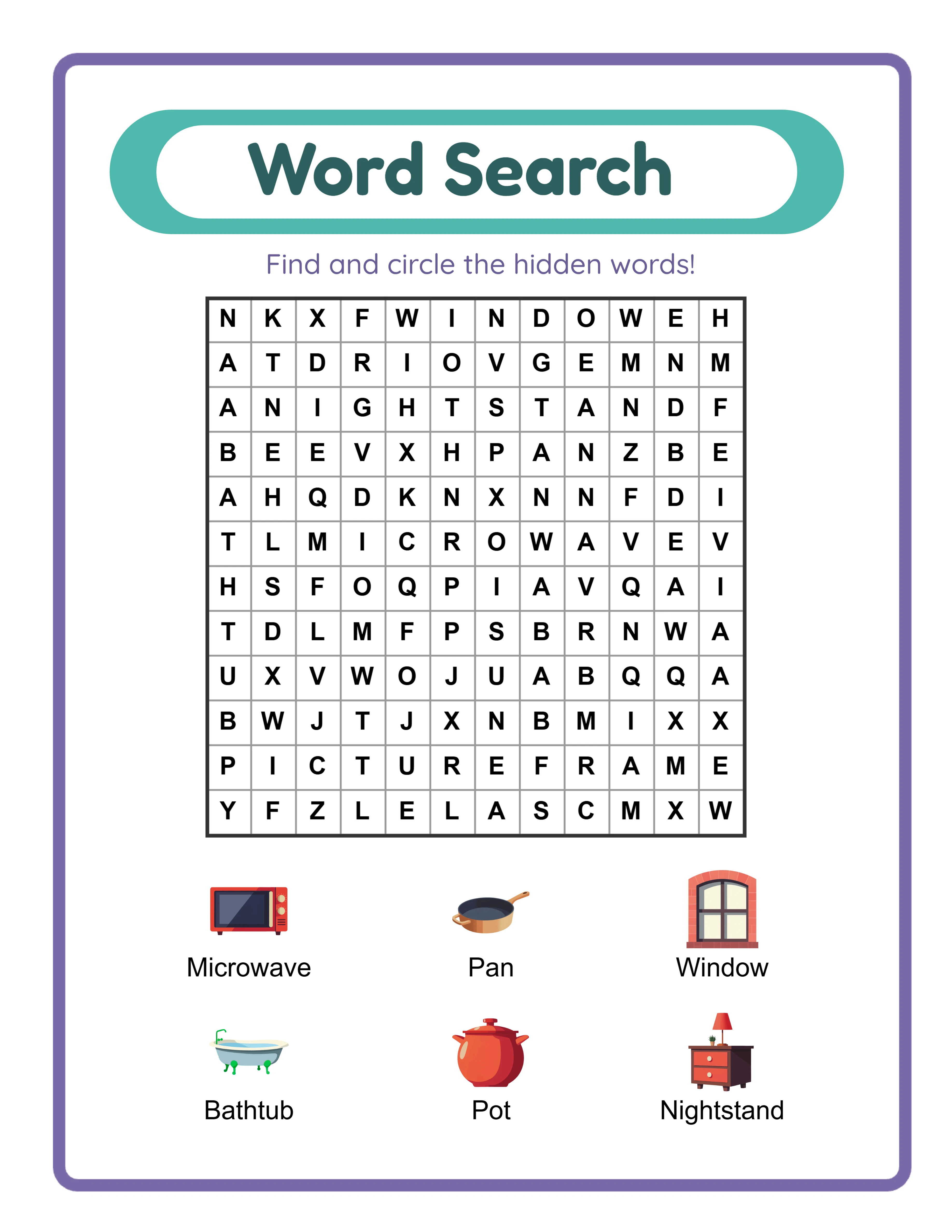
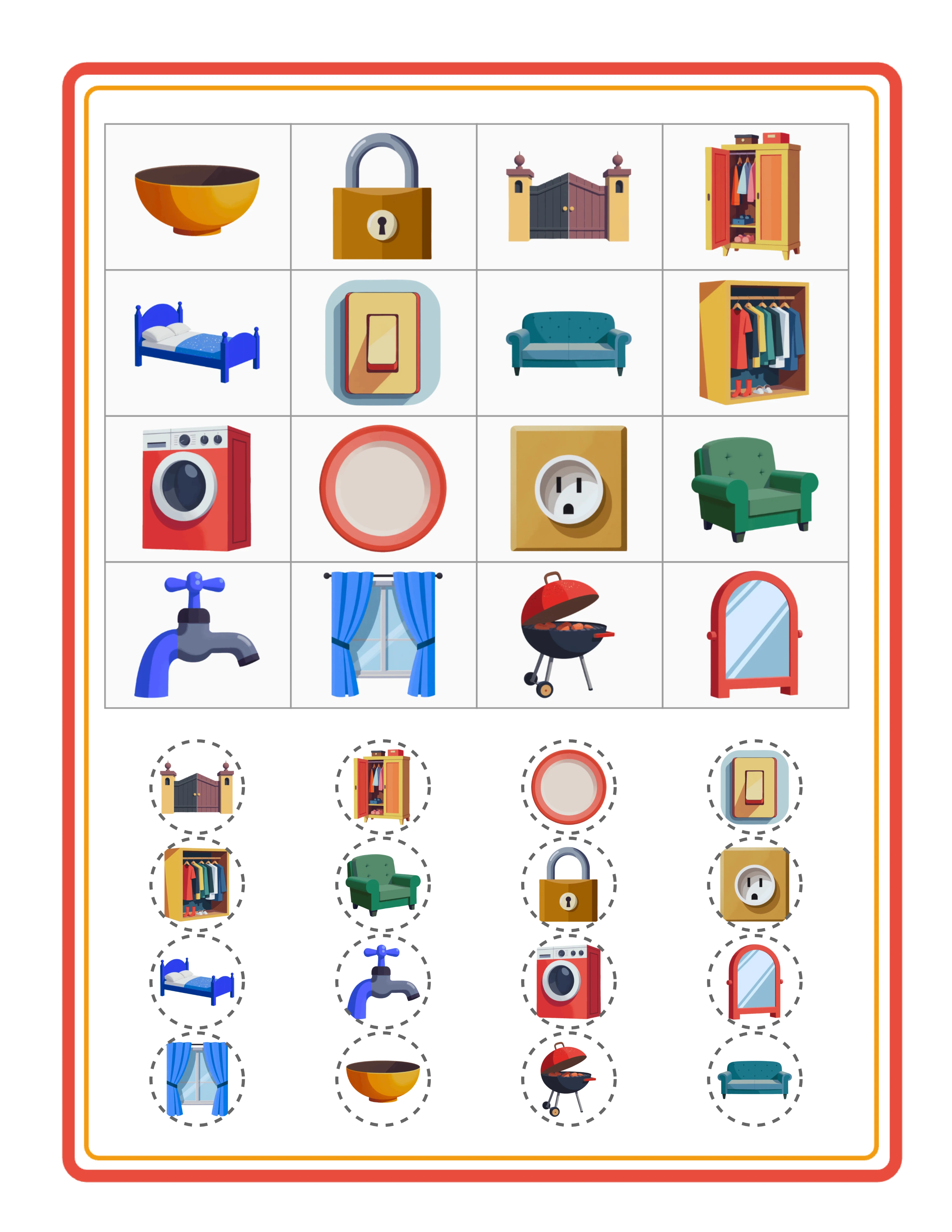
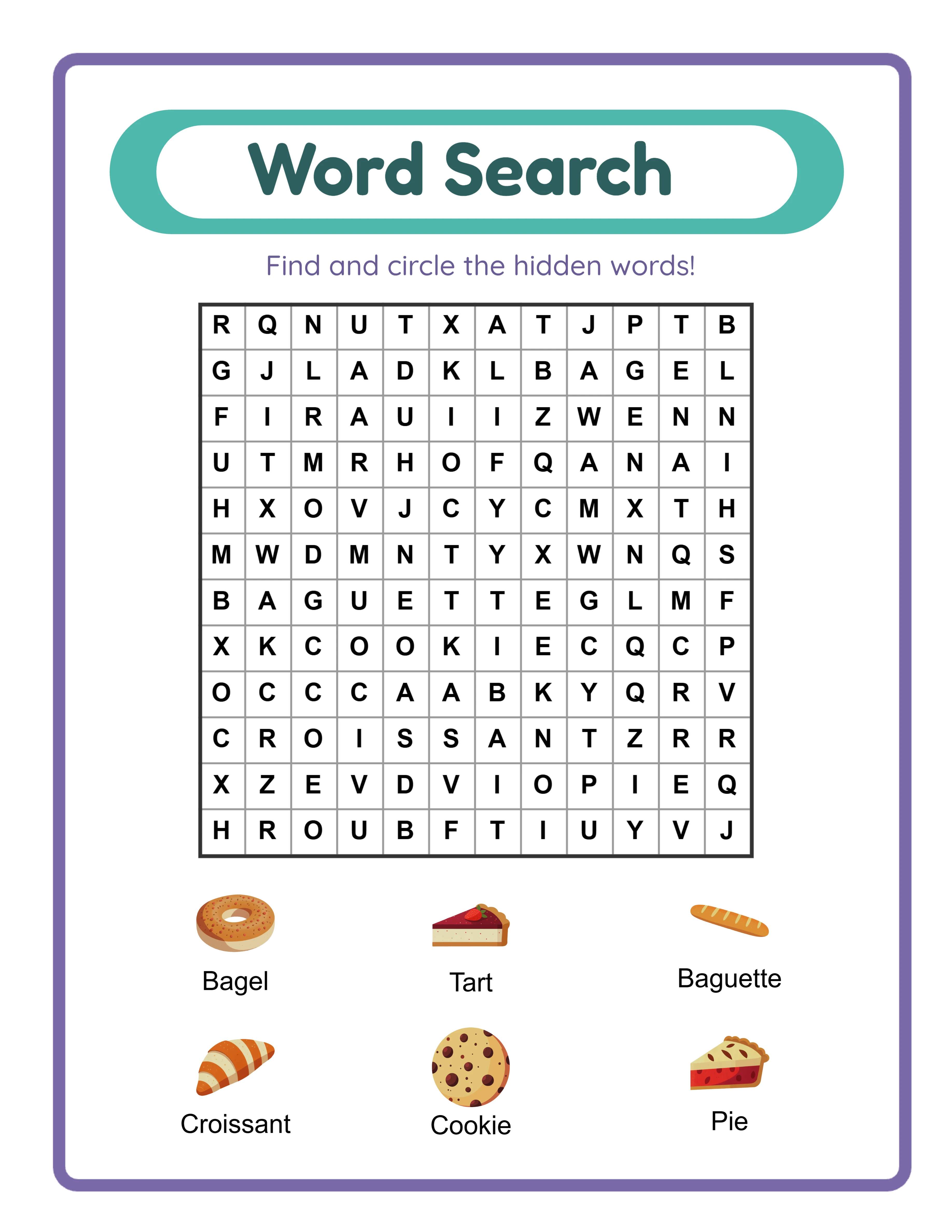
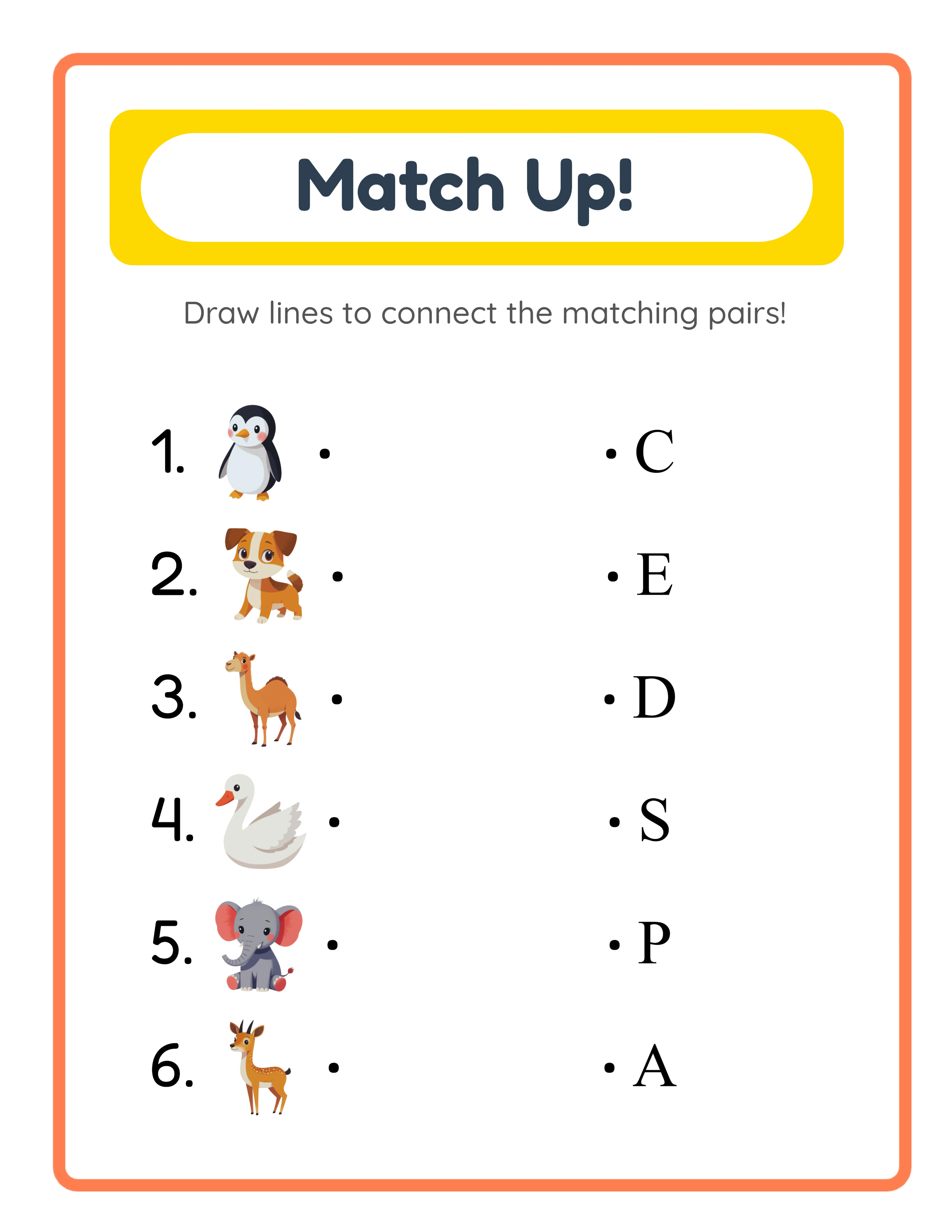
Include a clear product preview that shows the actual worksheet. Buyers want to see what they are getting before they click. A pin showing a real worksheet page — with visible problems, colorful theme images, or activity content — outperforms abstract graphics or stock photography because it immediately answers the question "what is this product?" Display the worksheet at an angle or as a mockup on a desk for visual interest, but ensure the content is readable enough to convey quality. Worksheet generators produce professional output that photographs well for pin images — the clean layouts and themed graphics create naturally attractive pin content.
Add text overlay that communicates the key selling point and product type. Effective text overlays are brief and specific: "Animal Addition Worksheets — 20 Pages with Answer Keys" or "Printable Word Search Puzzles — 12 Themes Available." Use large, readable fonts (minimum 24pt equivalent on screen) with high contrast against the background. Avoid decorative fonts that sacrifice readability for style. Place text in the upper third of the pin where it appears even in small thumbnail views. A text overlay should tell the scroller exactly what they will get if they click — product type, key feature, and quantity or scope.
Design 3 to 5 unique pin images for every product. Pinterest's algorithm treats each pin image as a separate piece of content, even if they link to the same product URL. Multiple pin designs give you multiple chances to appear in search results, test different visual approaches, and reach users who might scroll past one design but stop for another. Vary the layout, color scheme, featured worksheet page, and text overlay angle across your pin variants. Release these variants over time rather than all at once — a new pin image for an existing product every few weeks maintains fresh content signals without requiring new product creation.
Maintain consistent branding across all pins without making every pin identical. Use the same 2 to 3 brand colors, the same font family, and a small logo placement so your pins are recognizable as yours when they appear in search results or on other users' boards. Brand recognition builds over time as users repeatedly encounter your distinctive pin style and begin associating it with quality worksheet products.
4
Write Keyword-Rich Pin Descriptions That Drive Discovery
Pin descriptions are the primary text signal that Pinterest's search algorithm uses to match your pin with user queries. A pin with no description or a hashtag-only description is invisible to the majority of relevant searches. A pin with a well-written, keyword-rich description of 200 to 300 characters appears in multiple search queries and compounds in visibility over time as engagement accumulates.
Write pin descriptions as natural, keyword-integrated sentences rather than keyword-stuffed lists. Pinterest's algorithm has evolved to favor natural language descriptions that include keywords in context over spam-like keyword repetition. An effective description reads like a concise product summary: "Printable animal-themed addition worksheets for kindergarten math practice. This 20-page worksheet pack includes single-digit addition problems with colorful animal illustrations and a complete answer key. Designed for daily practice, homework assignments, or homeschool math supplement." This description naturally incorporates keywords for addition worksheets, kindergarten math, animal themed, printable, answer key, daily practice, homework, and homeschool — all within a readable paragraph.
Front-load the most important keywords in the first 50 to 75 characters of your description. Pinterest truncates descriptions in most display contexts, showing only the first line unless the user expands the full text. "Printable math worksheets for kindergarten addition practice" communicates the core product immediately, even if the rest of the description is not visible. Descriptions that begin with "Check out this amazing resource!" waste the most valuable real estate on words that contain no search relevance.
Include keywords that cover the full range of terms buyers use to search for your product type. Think about how different buyer segments search differently: a buyer might search "kindergarten math worksheets," a parent might search "printable addition practice for 5 year olds," and a homeschooler might search "math curriculum supplement printables." Your description should include terms that match each of these search patterns. Map out 5 to 8 keyword phrases per product and integrate them naturally into a 2 to 3 sentence description.
Avoid hashtags as your primary description strategy. While Pinterest supports hashtags, they carry significantly less search weight than natural language keywords in the description body. A description with "#math #worksheets #kindergarten #printable" is far less effective than one with those same terms woven into a descriptive sentence. If you use hashtags at all, add 2 to 3 relevant ones at the end of a full description as a supplement, never as a replacement for descriptive text.
Include a clear call to action at the end of the description that tells the user what to do next: "Click through to browse the full collection and download" or "Visit the shop to see all available themes and grade levels." A direct call to action increases outbound click rates by guiding users from passive browsing to active engagement with your product listing.
5
Develop a Consistent Pinning Schedule for Algorithmic Favor
Pinterest's algorithm strongly rewards consistent, regular activity over sporadic bursts. A profile that pins 5 to 10 pins per day, every day, receives significantly more distribution than one that pins 50 pins in one day and then nothing for two weeks. Consistency signals to the algorithm that your profile is an active, reliable content source worth recommending to users.
Pin 5 to 10 pins per day as a sustainable baseline. This volume is high enough to maintain algorithmic favor and build board depth, but low enough to sustain without running out of content or compromising quality. Of these daily pins, aim for at least 2 to 3 to be fresh pins — new pin images that Pinterest has not seen before, whether linking to new products or providing new visual designs for existing products. Fresh pins receive algorithmic priority over repins of existing images, making new pin creation a critical ongoing activity.
Use a scheduling tool to batch your pinning work into one or two weekly sessions rather than pinning manually throughout each day. Schedule a full week of pins in a single 60 to 90 minute session: select the pins, write or review descriptions, assign them to appropriate boards, and set publish times spaced throughout the day. This batch approach to pinning mirrors the batch production strategy for worksheet creation — grouping the same type of task together eliminates context switching and produces better results in less total time.
Space pins evenly across the day rather than publishing them in clusters. Pins published at 8 AM, 12 PM, 4 PM, and 8 PM reach users across different browsing sessions and time zones. Concentrated publishing (all pins at 9 AM) means your content competes with itself for the same audience window. Most scheduling tools allow you to set optimal time slots and automatically distribute pins across those windows.
Pin each product pin to the most relevant board first, then to 2 to 3 additional relevant boards over the following days. A kindergarten addition worksheet pin goes first to your "Printable Math Worksheets for Kindergarten" board, then to "Addition Worksheets and Practice Pages" a few days later, then to "Printable Resources for Homeschool Math" after another few days. This multi-board strategy exposes each pin to the audience and search relevance of multiple boards without the negative signal of pinning the same image to 10 boards simultaneously.
Maintain a pinning content ratio of approximately 80% your own product pins and 20% curated repins from other creators in your niche. Repinning relevant content from complementary sellers (not direct competitors) signals to Pinterest that your profile is a genuine resource curator, not a pure self-promotion account. Curated pins also keep your boards fresh and growing even during weeks when you have fewer new products to pin.
6
Optimize for Pinterest SEO Across All Touchable Elements
Pinterest SEO extends far beyond pin descriptions. Every text element on your profile is indexed and used by the algorithm to determine which searches should surface your content. Optimizing all of these elements creates a compound effect where your profile, boards, and pins all reinforce the same topical authority signals.
Optimize your profile name to include relevant keywords alongside your brand name. "YourBrand | Printable Worksheets & Activity Pages" gives the algorithm two strong keyword signals (printable worksheets, activity pages) while maintaining your brand identity. Your profile name appears on every pin you create, so these keywords are attached to all of your content across the platform.
Optimize board titles with specific, searchable names rather than creative or aesthetic titles. "Printable Math Worksheets" is a searchable board title that matches user queries. "Numbers & Fun" is a creative title that matches nothing users actually type into Pinterest search. Every board title should read like a search query that your target buyers would realistically type. Review your existing board names and rename any that prioritize aesthetics over searchability.
Use Pinterest's guided search feature to discover the exact keyword phrases your target audience uses. Type your primary keyword ("math worksheets") into Pinterest search and observe the guided search bubbles that appear below the search bar. These bubbles show the most popular search refinements: "printable," "kindergarten," "free trial," "with answers," "for first grade." These suggestions are drawn directly from actual user search behavior — they tell you exactly which terms and phrases to incorporate into your pin descriptions, board titles, and board descriptions.
Optimize pin titles separately from pin descriptions. Pinterest allows you to add a title to each pin (up to 100 characters) in addition to the description. Pin titles carry significant search weight and appear prominently in search results. Use clear, keyword-rich titles that describe the product: "Printable Animal Addition Worksheets — Kindergarten Math Practice, 20 Pages" is an optimized pin title that matches multiple search queries.
Build topical authority through content clustering. Rather than creating scattered pins across unrelated topics, build deep content clusters around specific subjects. A profile with 50 pins related to printable math worksheets, organized across 5 focused math boards, develops stronger topical authority for math worksheet searches than a profile with 200 pins scattered across 30 unrelated topics. Pinterest's algorithm rewards depth within a niche because it can confidently identify your profile as an authoritative source for that subject area.
Review and update your SEO elements quarterly. Search trends evolve, new keyword opportunities emerge, and Pinterest's algorithm periodically adjusts how it weights different signals. Refresh board descriptions with current keyword research, update pin titles on your top-performing pins, and add new boards targeting keyword phrases you have identified through guided search or analytics data.
7
Leverage Seasonal Content Cycles for Peak Pinterest Traffic
Pinterest users plan ahead. They search for holiday content months before the holiday, back-to-school resources well before school starts, and seasonal activities before the season arrives. This forward-looking search behavior creates a predictable traffic pattern that worksheet sellers can exploit by publishing seasonal content early enough to be indexed and ranking when demand peaks.
Pin back-to-school worksheet content starting in May and June, not August. By May, parents and buyers are beginning to search for materials they will need in September. Pins published in May have three months to accumulate saves, engagement, and search ranking before peak demand arrives in August and September. A pin published in August competes against thousands of already-established pins and has no time to build momentum before the demand window passes. Early publishing is the single most impactful seasonal strategy on Pinterest.
Follow this seasonal content calendar for worksheet businesses: January through February, pin New Year organization printables, goal-setting worksheets, and fresh learning resources. March through April, pin spring-themed worksheets, Easter activities, and summer preparation content. May through June, pin back-to-school readiness worksheets, summer learning packets, and next-grade-level preparation resources. July through August, pin fall-themed worksheets, Halloween activity previews, and back-to-school resources. September through October, pin holiday activity worksheets, Thanksgiving resources, and winter preparation content. November through December, pin New Year worksheets, winter break activity packets, and next-semester planning resources.
Create a seasonal content production schedule that aligns with your pinning calendar. If back-to-school pins need to publish in May, the products they promote need to be created in April. If holiday worksheet pins need to publish in August, the products need to be ready by July. Work backward from your optimal pin publish dates to determine when products need to be created, and build this into your production calendar. Worksheet generators make seasonal production efficient — creating themed worksheet variants for each seasonal window is a configuration change, not a redesign effort.
Repin and refresh seasonal content annually rather than creating everything from scratch each year. Your best-performing holiday pins from last year can be reshared with fresh pin images linking to the same products. Update the pin descriptions with any new keywords you have identified, create 2 to 3 new pin designs for your top seasonal products, and pin them to the same seasonally relevant boards. This annual refresh strategy compounds the performance of your seasonal content year over year while minimizing the production effort required to maintain seasonal visibility.
Monitor seasonal search trends through Pinterest Trends (trends.pinterest.com) to identify emerging opportunities and validate your content calendar timing. Pinterest Trends shows search volume patterns over the past 12 months for any keyword, revealing exactly when search interest begins rising, peaks, and declines for seasonal topics. Use this data to fine-tune your publishing schedule and identify seasonal niches where search volume is high but pin competition is relatively low.
8
Analyze Pinterest Analytics to Refine Your Strategy
Pinterest Analytics provides data that most sellers glance at but few actually use to make strategic decisions. The difference between a stagnant Pinterest presence and one that grows consistently is whether you translate analytics data into concrete changes to your pin design, description strategy, board organization, and content planning.
Review your top-performing pins weekly by sorting analytics for impressions, saves, and outbound clicks. These three metrics measure different stages of the buyer journey: impressions show how many users saw your pin in search or feed results, saves indicate how many users found the pin valuable enough to save for later, and outbound clicks show how many users were motivated enough to visit your product listing. A pin with high impressions but low saves has visibility but is not compelling enough to save. A pin with high saves but low outbound clicks is being collected but not driving purchase intent. Identify the patterns in your highest-performing pins across all three metrics and use those patterns as templates for future pin design.
Track your click-through rate (outbound clicks divided by impressions) as the most actionable performance metric. Average Pinterest click-through rates for product pins range from 0.5% to 2%. Pins below 0.5% need design or description improvements. Pins above 2% represent your strongest performing content and should be analyzed for what makes them effective. Compare click-through rates across different pin designs for the same product to identify which visual approaches, text overlays, and color schemes drive the most clicks.
Use audience insights to understand who engages with your content. Pinterest Analytics shows the demographics, interests, and other categories your audience follows. If your analytics reveal that your primary audience is interested in "homeschool curriculum" and "kindergarten activities," this data should influence your board naming, pin descriptions, and product development priorities. Audience insights tell you not just who your current audience is, but what additional content they are searching for — revealing opportunities for new products and pins that serve an already-engaged audience.
Monitor which boards drive the most pin engagement to refine your board strategy. If your "Printable Math Worksheets" board generates significantly more impressions and clicks than your "Educational Coloring Pages" board, this data tells you where to focus your pinning effort. Add more pins to high-performing boards, create sub-topic boards that break successful broad boards into more specific niches, and reconsider whether low-performing boards need better descriptions, more pins, or a different organizational approach.
Set up a monthly Pinterest performance review where you document key metrics, identify trends, and plan specific changes for the next month. Track total impressions, total saves, total outbound clicks, click-through rate, top 10 pins by clicks, and follower growth. Month-over-month trends reveal whether your strategy is working: growing impressions indicate improving search visibility, growing saves indicate improving content quality, and growing outbound clicks indicate improving purchase intent. A systematic monthly review transforms Pinterest from a guessing game into a data-driven marketing channel that improves predictably over time.